First you want to Subscribe to the mod pack on steam https://steamcommunity.com/sharedfiles/filedetails/?id=902941438
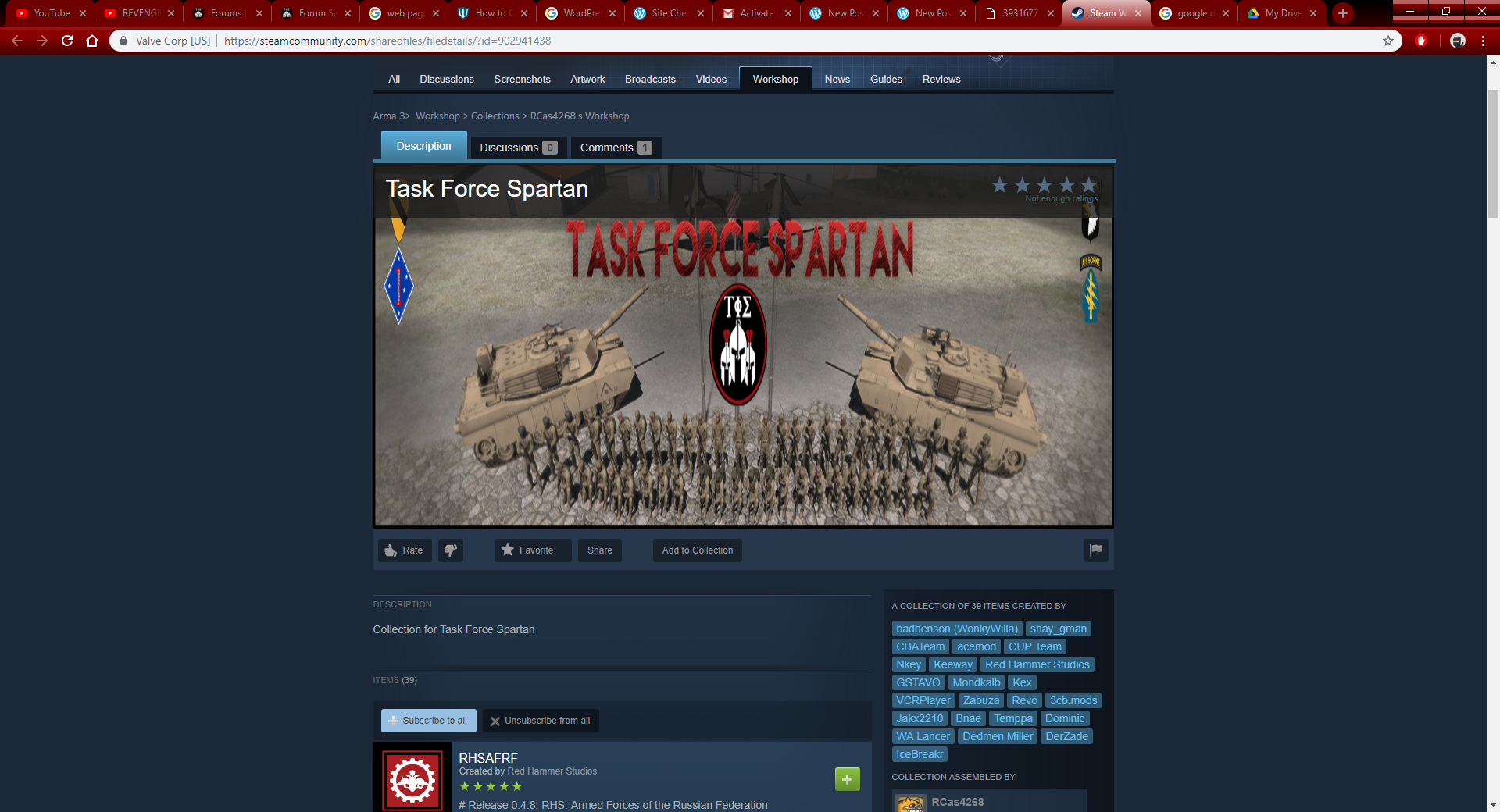
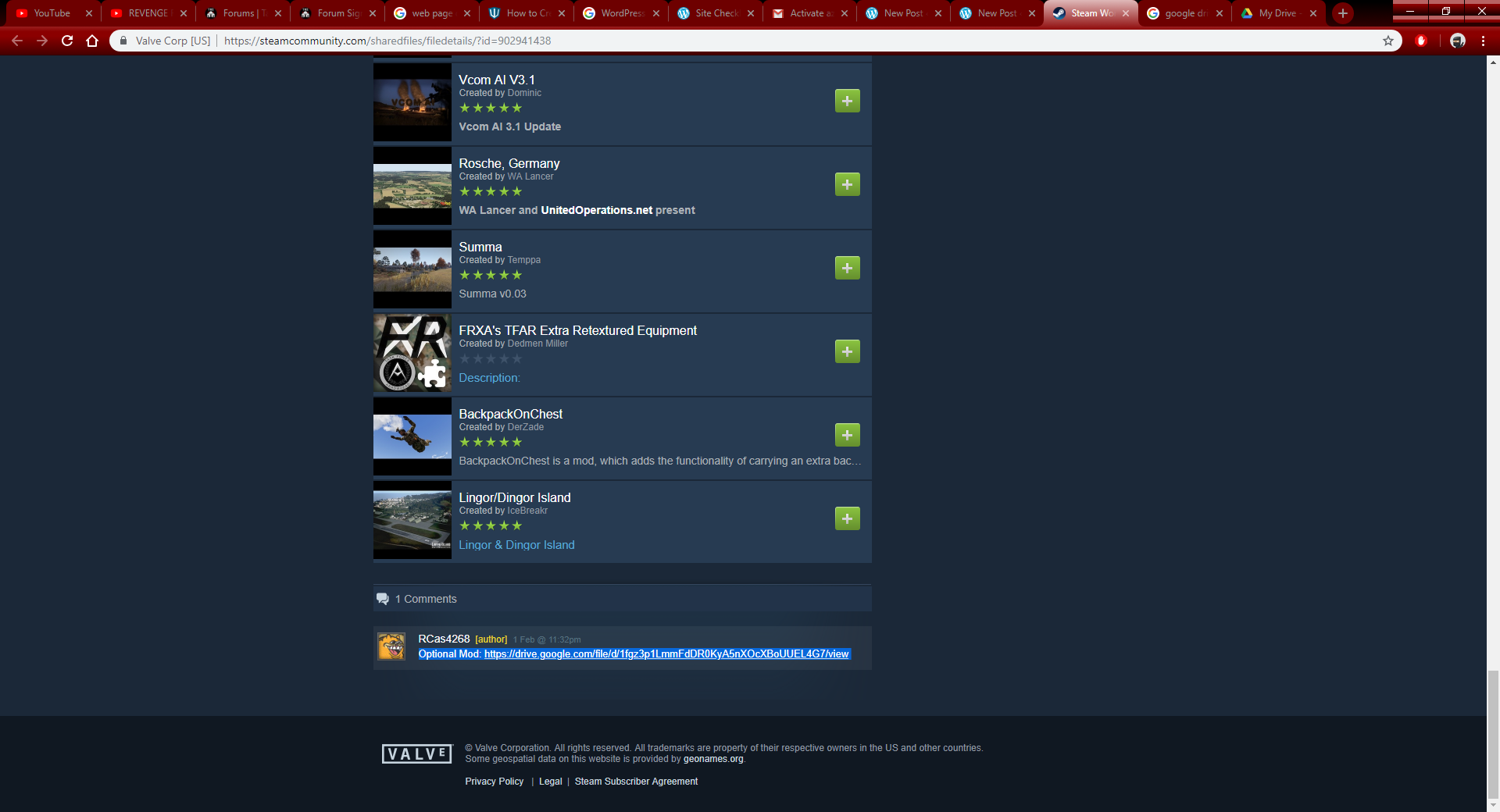
It is also recommended that you download the optional mod at the bottom
https://drive.google.com/file/d/1fgz3p1LmmFdDR0KyA5nXOcXBoUUEL4G7/view
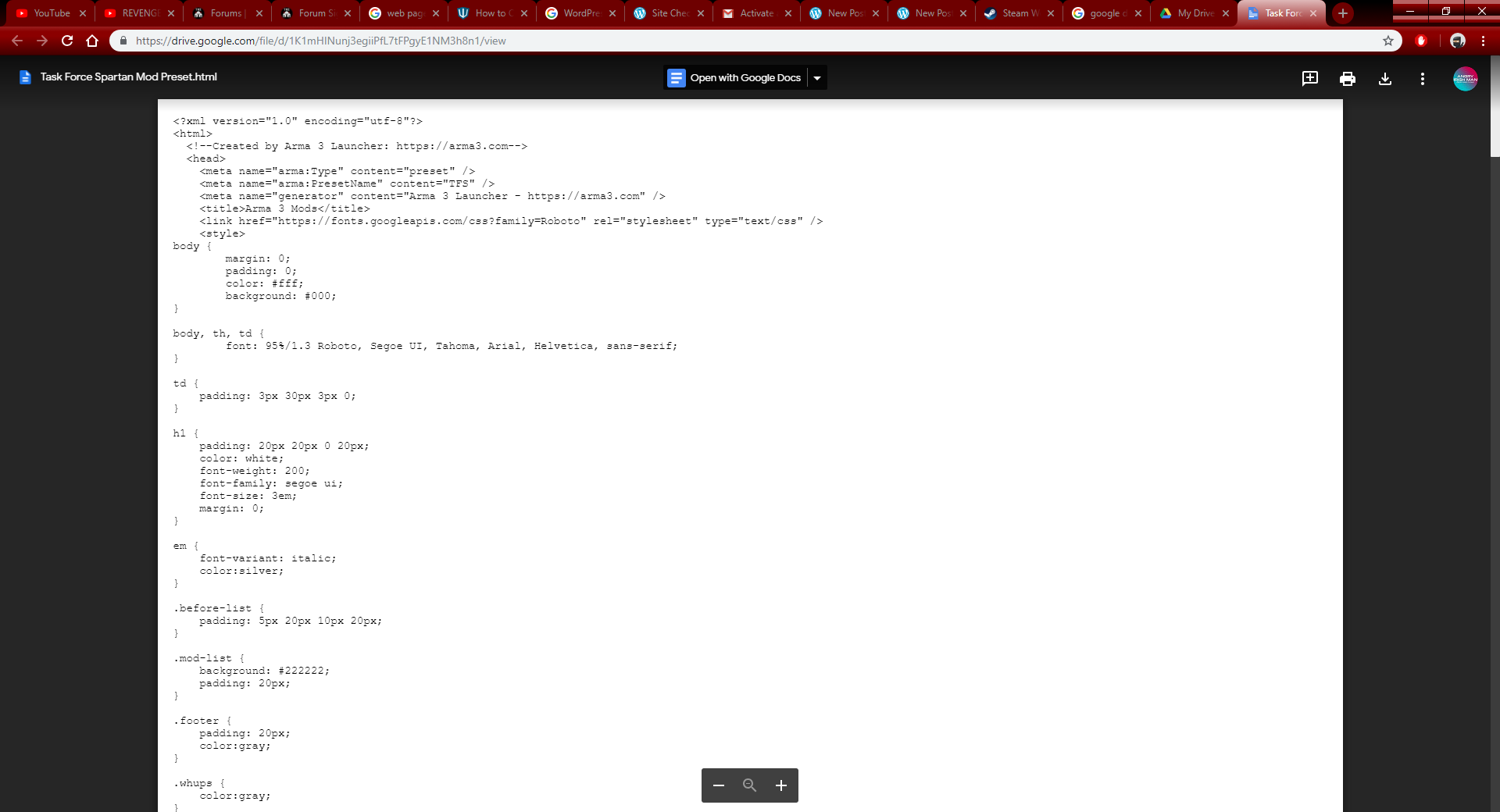
Then download the Mod Preset https://drive.google.com/open?id=1iwHgVtZdrt3YY2a1p00MSGTg-rpEiPp3
Now you want to do the following
Step 1. Open Arma 3
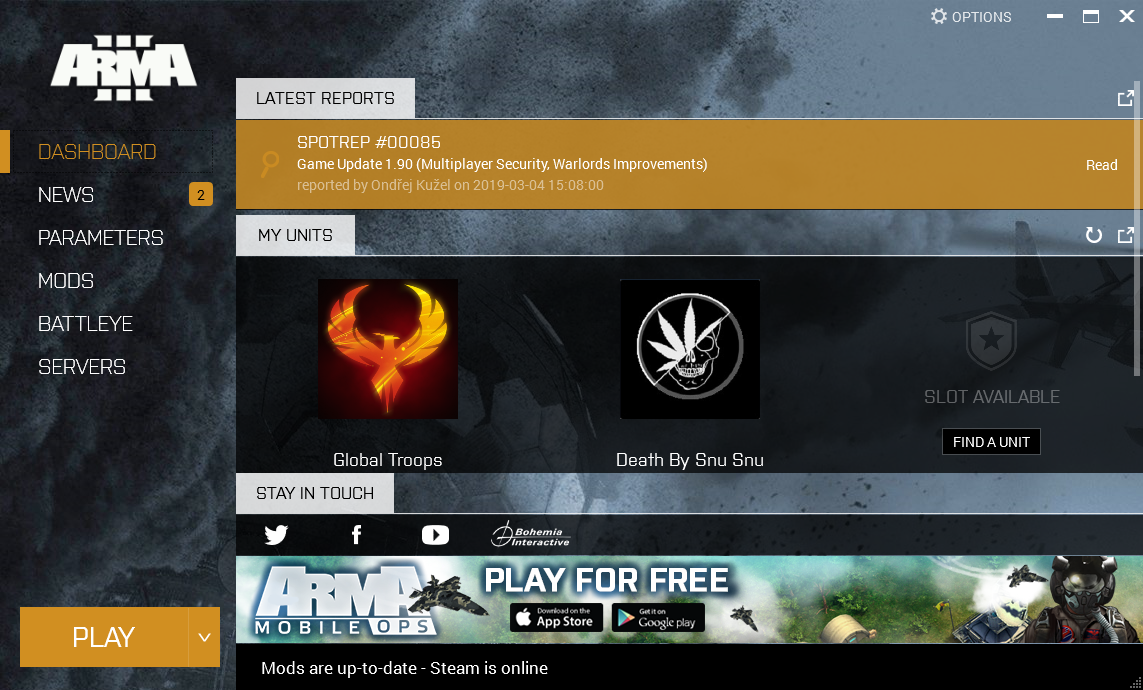
Step 2. Click on “Mods”
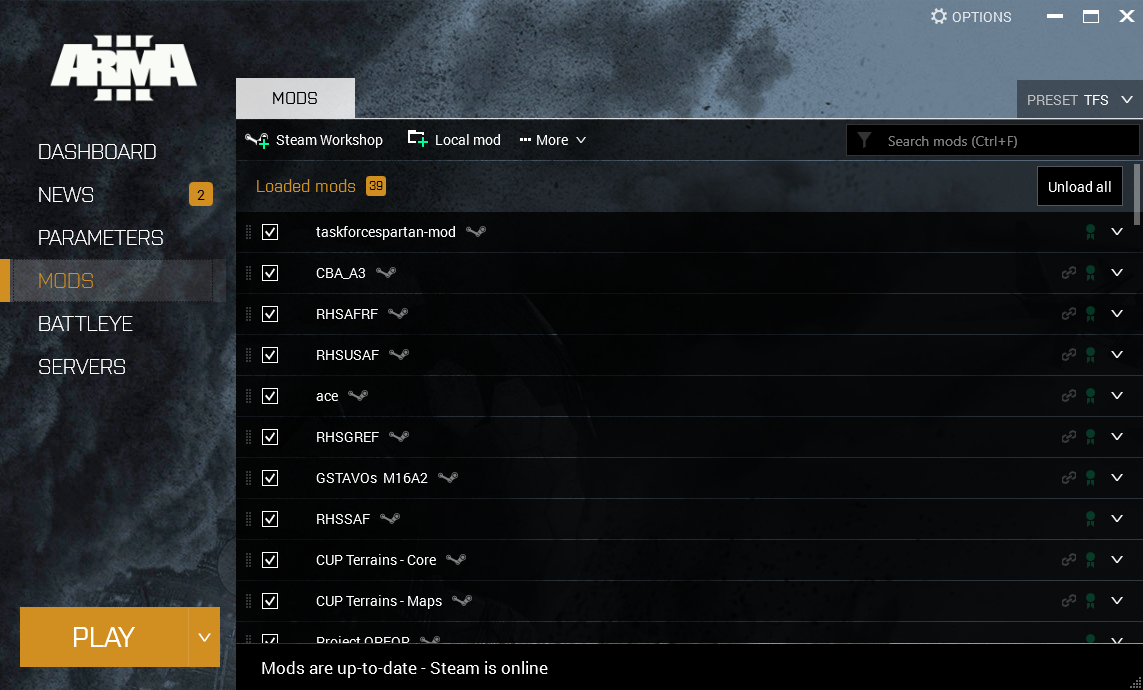
Step 3. Click on Local Mod and add the @Uniforms File you downloaded before hand

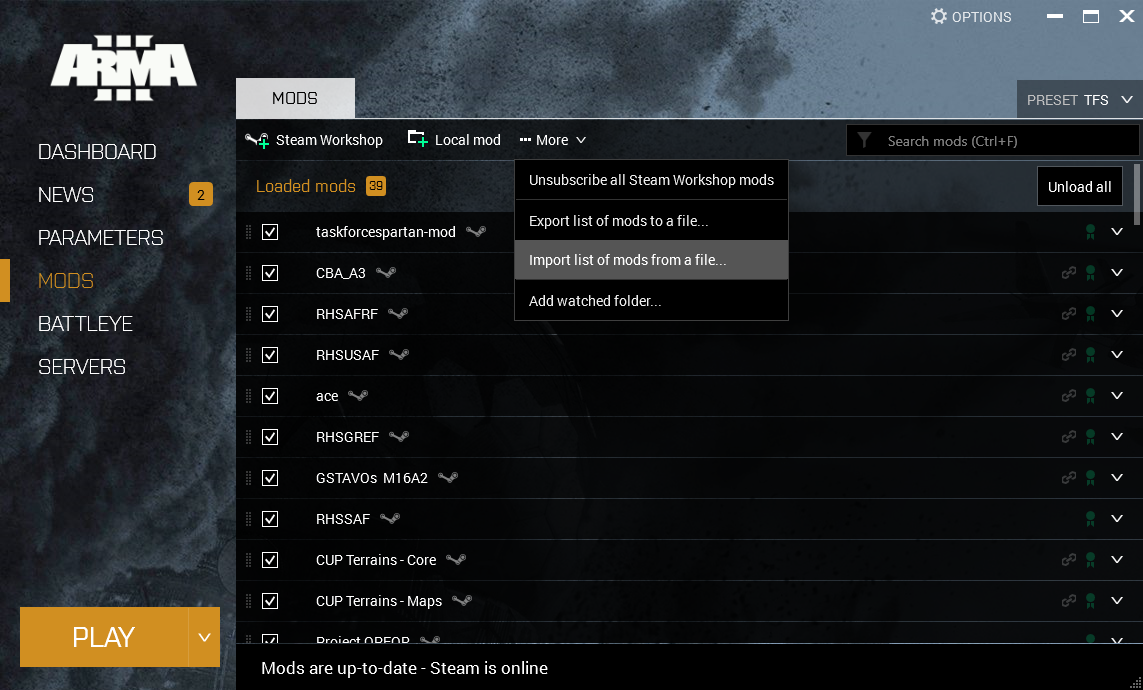
Step 4. Click on “More” Then Click on “Import list of mods from a file”
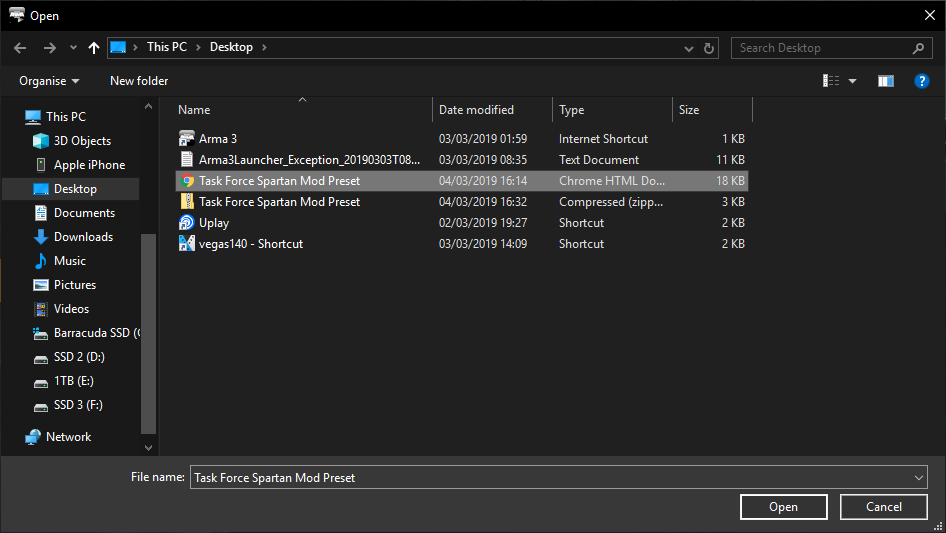
Step 5. Now Import the mod preset that you downloaded before hand
Step 6. Click On “Preset” In the top right corner and click “TFS” to load all the mods
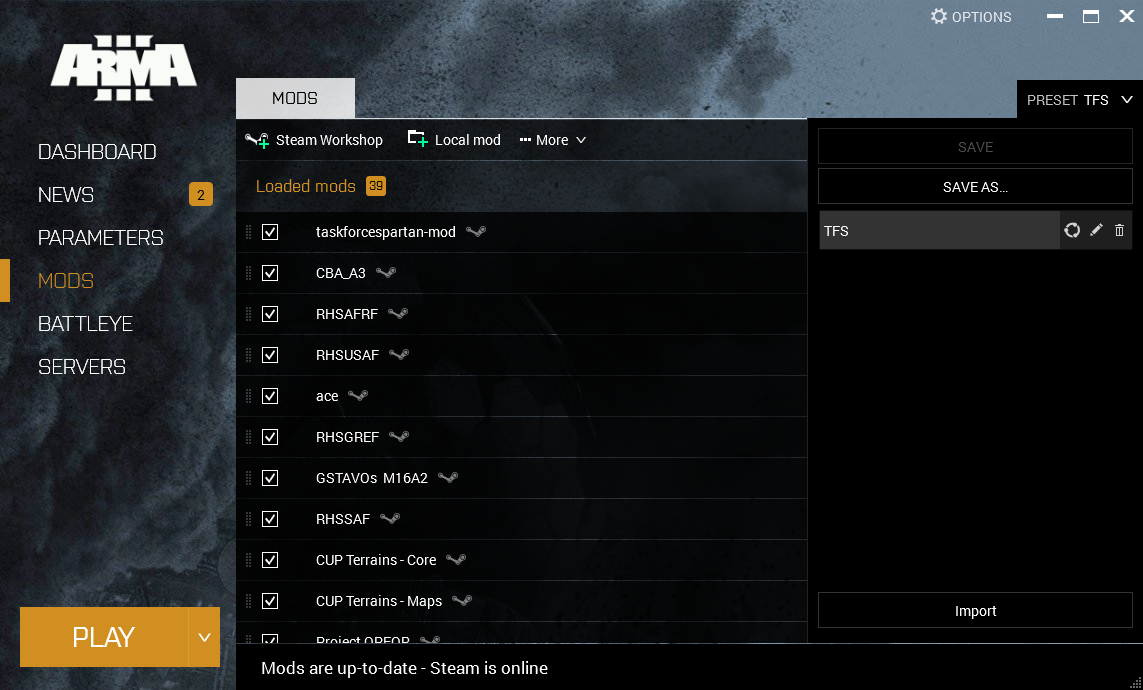
And its as easy as that! I’m not going to include the IP address to the server as you will receive that once you’ve completed your initial interview.

 Task Force Spartan Mods